SMS v3 - Releasing a "Stuck" Operator

SMS v3 - Releasing a "Stuck" Operator

LOC SMS - Releasing as "Stuck" Operator


If for some reason, an operator needs to move to another lane and they receive an error when logging in, this guide will show you how to release them from the previous session. 

1. On the Back-office server, log into SMS with a user with Assistant or higher permissions.
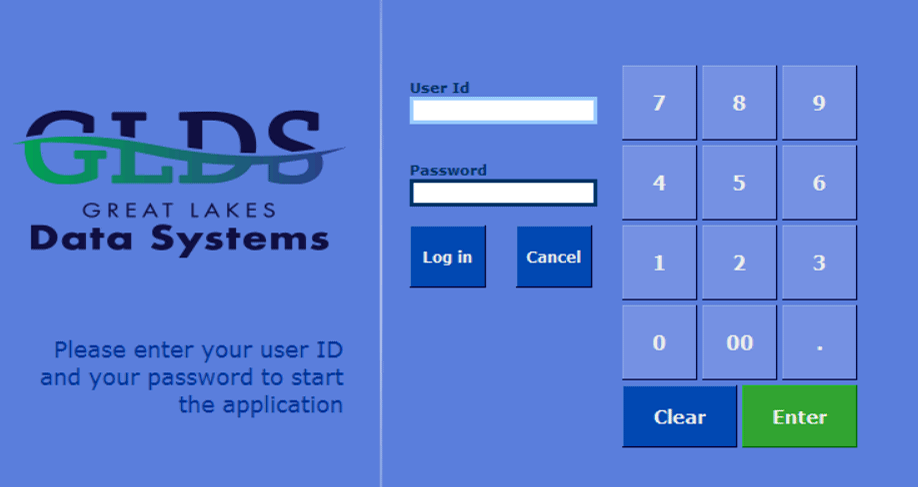
2. Click on the Manage tab.
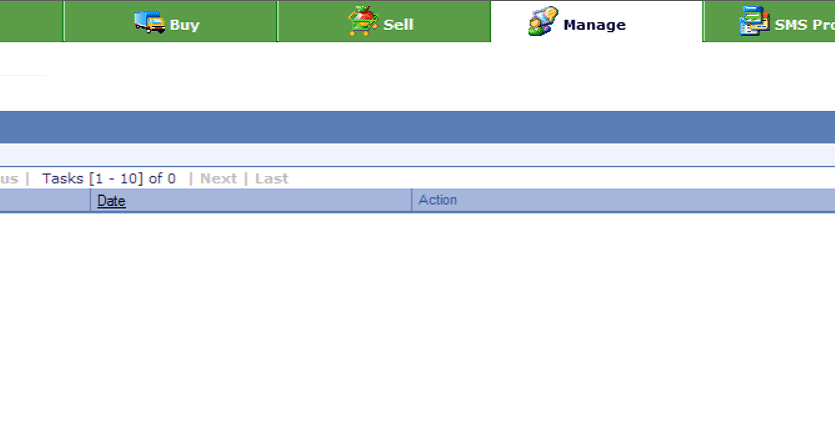
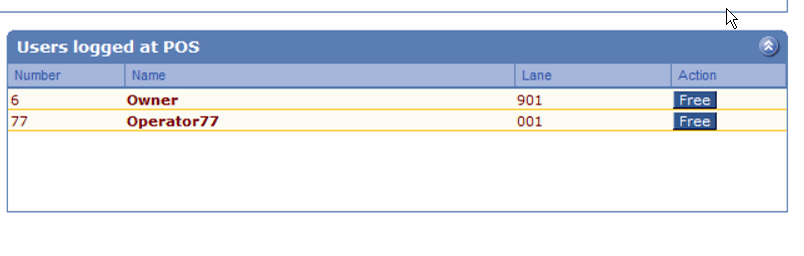
3. In the main area, click on "Free" next to the operator that needs to be released. Once they disappear from the list, they can log into the appropriate lane. In this example, we could release User 77.


    • Related Articles

    • SMS v3 Pro - Maintain Operators

      GLDS Training Step-By-Step LOC SMS – Create a new Operator / Cashier Log into SMS Pro using Manager or higher permissions. In the top menu, click System>Operator to open the operator table. Click on the ‘+’ sign at the top to start a new record. ...
    • SMS v3 Pro - Basic Item Creation

      GLDS Training Step-By-Step SMS v3 Pro – Creating Items This guide will cover the basics of creating a new item with the very minimum information: UPC/PLU Description Sub-Department Follow S-Dept Price Log into SMSPro using either ‘Log>Login’ or F3. ...
    • LOC SMS - Penny Rounding Behavior Guide

      There are 2 methods of penny rounding in LOC SMS Parameter: ROUND This method splits the rounding. Behavior: $0.01 and $0.02 --> rounds down to zero $0.03 and $0.04 --> rounds up to $0.05 $0.06 and $0.07 --> rounds down to $0.05 $0.08 and $0.09 --> ...
    • SMS eSuite - Managing Family Codes

      GLDS Training Step-By-Step Managing Family Codes Information Families in eSuite group sets of items based on common characteristics. There are types of items that are produced by multiple manufacturers. Juices, for example, may be part of the same ...
    • SMS eSuite - Items - Basic Creation

      Information The eSuite software provides you with the tools to create items through the Item creation table. This includes the main information in the four master tables: Main item, POS, Price, and Cost. Once the new items have been created, changes ...