SMS v3 POS - What is a "CTS" error?
One of the more common errors that we get calls about is:
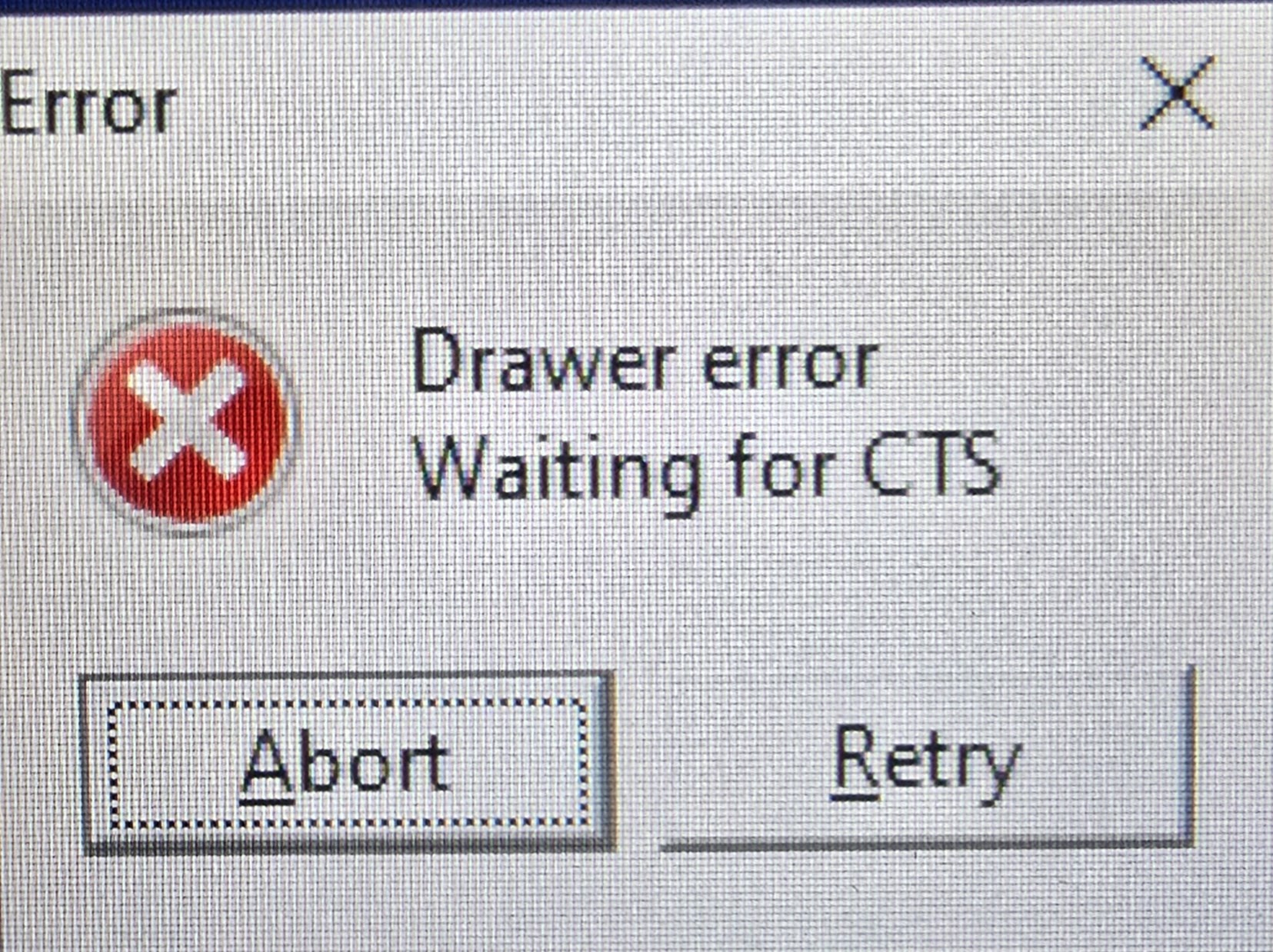
First thing to check is if the printer has paper and that the roll is centered in the cavity. Most printers have a status LED on the top of the unit and are green when no errors are happening. If the light is any color other than green, it means that the printer is in an error state and can't print or trigger the cash drawer. If the paper roll is new and in proper position, and the error is still there, the printer will need service. Click here to submit a new ticket.
Related Articles
SMS v3 - Releasing a "Stuck" Operator
LOC SMS - Releasing as "Stuck" Operator If for some reason, an operator needs to move to another lane and they receive an error when logging in, this guide will show you how to release them from the previous session. 1. On the Back-office server, log ...SMS v3 Pro - Basic Item Creation
GLDS Training Step-By-Step SMS v3 Pro – Creating Items This guide will cover the basics of creating a new item with the very minimum information: UPC/PLU Description Sub-Department Follow S-Dept Price Log into SMSPro using either ‘Log>Login’ or F3. ...SMS v3 Pro - Maintain Operators
GLDS Training Step-By-Step LOC SMS – Create a new Operator / Cashier Log into SMS Pro using Manager or higher permissions. In the top menu, click System>Operator to open the operator table. Click on the ‘+’ sign at the top to start a new record. ...SMS eSuite - Items - Basic Creation
Information The eSuite software provides you with the tools to create items through the Item creation table. This includes the main information in the four master tables: Main item, POS, Price, and Cost. Once the new items have been created, changes ...LOC SMS - Penny Rounding Behavior Guide
There are 2 methods of penny rounding in LOC SMS Parameter: ROUND This method splits the rounding. Behavior: $0.01 and $0.02 --> rounds down to zero $0.03 and $0.04 --> rounds up to $0.05 $0.06 and $0.07 --> rounds down to $0.05 $0.08 and $0.09 --> ...